What is rig.fm?
rig.fm is a free, open-source terminal radio player that lets you browse, search, and listen to thousands of internet radio stations without leaving the command line. Powered by the Radio Browser directory, it gives you access to stations from around the world, all wrapped in a beautiful TUI built with Bubble Tea.
Features
Browse worldwide
Access thousands of internet radio stations from around the globe, powered by the Radio Browser directory.
Search and filter
Find stations by genre, country, language, or name. Fuzzy search with autocomplete makes discovery fast.
Multiple themes
Switch between beautiful color themes to match your terminal aesthetic. From classic to neon.
Keyboard-driven
Navigate, play, pause, adjust volume, and manage favorites without ever touching the mouse.
Favorites
Save your go-to stations for quick access. Your favorites persist across sessions.
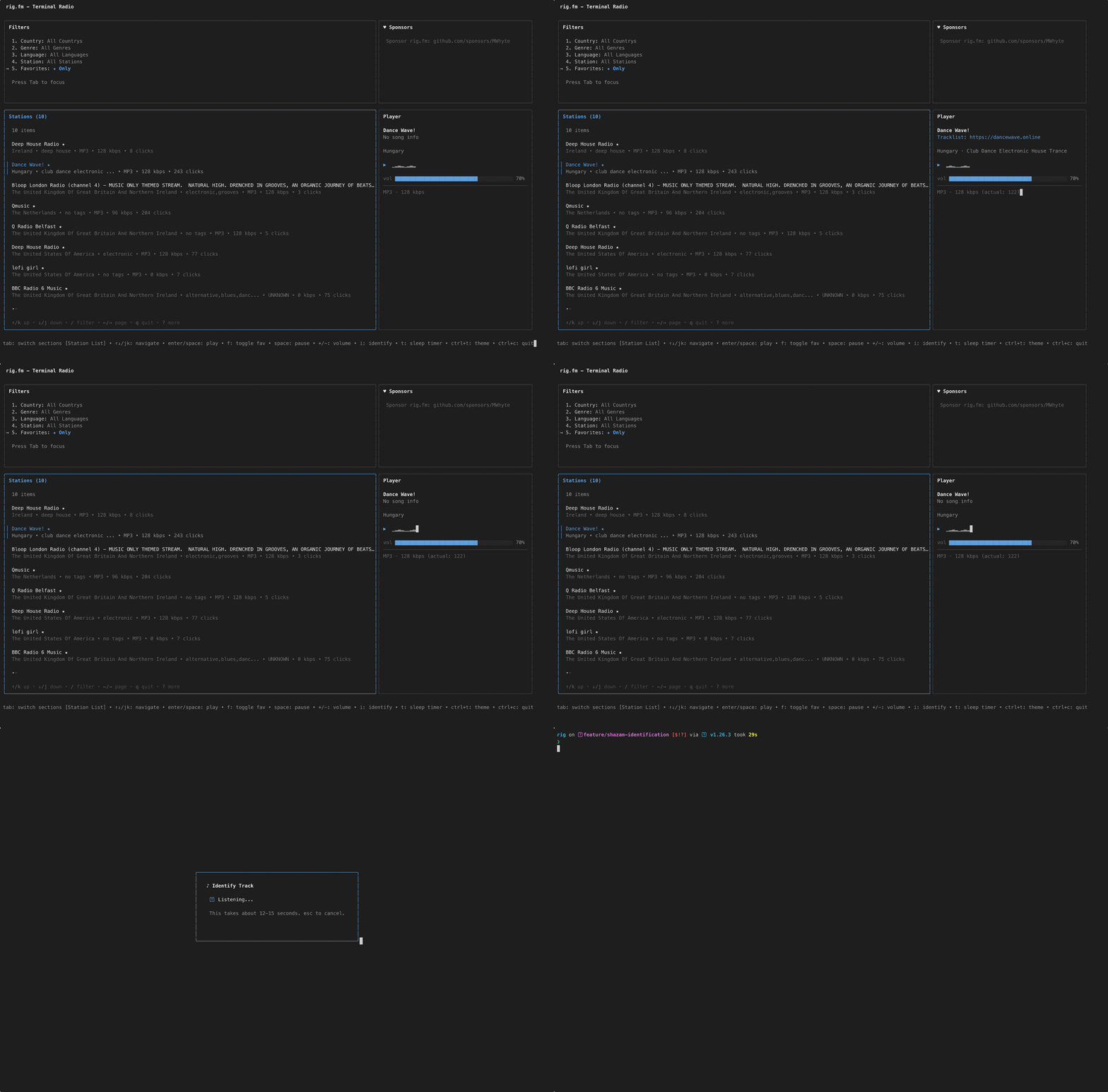
Identify the playing track
Press i on a playing station to identify the track via Shazam. No API key required. Press o to open the track on shazam.com.
Now playing
See what's playing with live metadata: song title, genre, codec, bitrate, and a visual waveform.
See it in action
Search and play

Themes

Favourites

Identify the playing track
Installation
Requires mpv for audio playback. The methods below pull it in automatically.
Quick install (Linux and macOS)
curl -fsSL https://rig.fm/install.sh | sh
Detects your OS and architecture, verifies the checksum, installs to /usr/local/bin.
Homebrew (macOS and Linux)
brew install mwhyte/tap/rig
Packages and binaries
Pre-built .deb, .rpm, .apk, and tarballs for Linux and macOS are on the releases page.
Build from source
git clone https://github.com/MWhyte/rig.git
cd rig
go build -o rig ./cmd/rig
Requires Go 1.25 or later